
How do I Upgrade from PDFelement 7 Standard to Pro?
1. If you have purchased the standard license of PDFelement 7 for Mac, you can upgrade to the PDFelement 7 Pro for Mac version at any time by clicking on the "Upgrade" button in the top-right corner of the software. 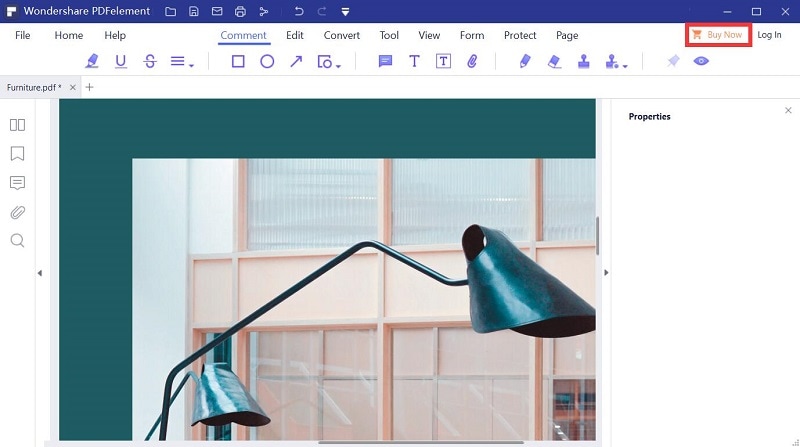
2. You can upgrade via our Upgrade Page by entering your registration email.
Note: If you are yearly subscription user, don't forget to submit the cancel subscription request for PDFelement 7 Standard for Mac to our support team after upgraded to PDFelement 7 Pro, they will get back to you as soon as possible.
Was this article helpful?
Related FAQs
- Do I Get Charged or Renewed Once 1 Year Free Mac License is Expired
- How to Upgrade from PDFelement 6 to PDFelement 7?
- How to Activate PDFelement 7 after Getting Free Code via Giveaway Page
- How to Get Free Code for PDFelement 7?
- Where to Find the Licensed Email to Check If I am Eligible for a Free Upgrade?