Follow the Steps Below to Retrieve Registration Codes and Get Wondershare PDFelement Registered
Choose your platform from either Mac or Windows. Make sure you choose the right one.
Enter the verification code, your correct email address and name and click the Get License button to retrieve your code. The code will be emailed to you shortly and please also check your spam folder.

Download the program from the following Download button. Then double click the installation file to get the Wondershare PDFelement installed.
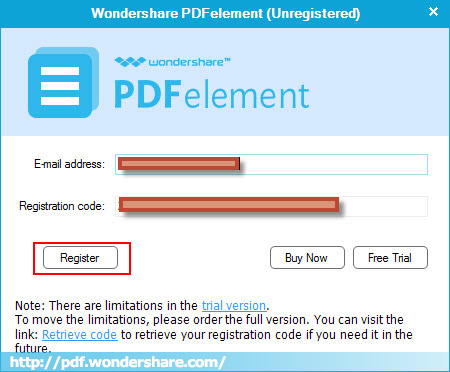
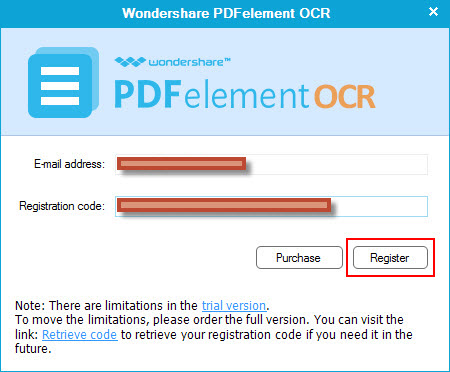
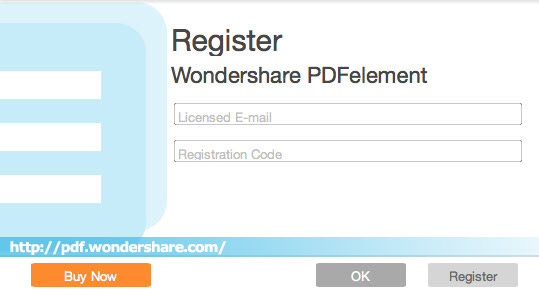
Start Wondershare PDFelement and enter your email and registration code to get it registered.
Our Customer Love PDFelement-and You Will, Too